

Data center cabling is the physical backbone that connects every IT device. It carries power from the utility entrance to the rack and every data packet between servers. As AI workloads push rack power from 16 kW to 246 kW, cabling is no longer a background utility; it directly determines power delivery capacity, cooling efficiency, and fault recovery speed.
Many cabling guides explain “what” but rarely “why” and “how to do it better.” This article builds on standard frameworks and adds engineering details often overlooked—such as fiber polarity management, cable impact on airflow, and the real behavior of XLPE insulation under fault conditions in power cabling. It covers both data cabling and power cabling, aiming to help teams planning or upgrading data centers.
Main Types of Data Center Cabling: Beyond Copper and Fiber
Data centers use multiple cable types to support different transmission needs. They fall into two broad categories—copper and fiber—but the choices are more complex than they appear.
Copper includes Cat5e, Cat6, and Cat6a twisted-pair cables. They are low-cost, compatible, and suitable for short distances and lower speeds. Cat6a supports 10Gbps up to 100 meters and is mainstream for access layers in enterprise data centers. But copper hits a bandwidth ceiling: 25G/40G requires Cat8, and Cat8’s shielding and grounding requirements often drive up installation costs significantly.
Fiber includes single-mode and multimode. Single-mode (OS2) is used for long-distance and campus backbones. Multimode (OM3, OM4, OM5) is used for intra-rack and inter-rack connections. OM4 and OM5 support higher bandwidth at 850nm and are preferred for AI cluster interconnects. Note that multimode bandwidth decreases with distance—don’t just read “OM4 supports 100G” without checking the distance.
High-speed copper includes DAC (Direct Attach Copper) and AOC (Active Optical Cable). DAC is low-cost and low-power but typically limited to 5 meters, suitable for intra-rack and adjacent racks. AOC adds optical conversion, reaching 100 meters with power still lower than optical modules. In GPU clusters, AOC is often used between ToR switches and compute nodes.
Many guides say “copper for short, fiber for long,” but real decisions also consider future upgrade paths, rack density, airflow impact, and maintenance convenience. In high-density AI racks, copper’s diameter and stiffness can severely obstruct airflow—even for short runs, fiber may be forced.
Now that we’ve covered cable types, let’s look at design principles and installation practices for efficient cabling.

Design Principles and Cable Management for Efficient Cabling
1. Scalability and Future Planning
Cabling systems should support future growth. This is not just about spare ports; it’s about how higher rack power increases cable diameter and count, impacting tray capacity. A tray designed for 10 kW racks may be completely inadequate for 30 kW racks. Design should reserve extra capacity and plan upgrade paths to avoid large-scale retrofits later.
2. Operational Cost and MAC
Cabling systems affect daily MAC (Move, Add, Change) work. Design should consider port density, label clarity, and standardized jumper lengths. An overlooked fact: in data center operational costs, MAC labor often exceeds the cable purchase cost itself. Good cabling design can significantly reduce long-term operational costs.
3. Standards Compliance
Following industry standards ensures quality and reliability. Key standards include ANSI/TIA-942, ISO/IEC 24764, and EN 50173. TIA-942-C (April 2024) updates worth noting: 800 mm minimum cabinet width, liquid cooling annex, and single-pair cabling recognition. These changes directly address AI and high-density deployment realities.
4. Security and Redundancy
Cabling systems must ensure connection security and prevent unauthorized access. Redundant paths and fault isolation reduce downtime risk. In AI training clusters, a single fiber link failure can cause an entire training job to fail—redundancy is not optional.
5. Functional Areas
Data centers are typically divided into Main Distribution Area (MDA), Horizontal Distribution Area (HDA), and Equipment Distribution Area (EDA). Each area has different cabling requirements. Proper area division improves efficiency and simplifies management.
6. Visual Design and Detailed Installation Specifications
Cable management starts at the design stage. Proper routing, labeling, and documentation significantly reduce installation time and maintenance difficulty. Consider cable paths, bend radii, and separation requirements. A practical tip: assign a unique ID to each cable on drawings and carry it through to labels and documentation.
Installation should follow detailed specifications for proper routing, securing, and termination. This includes bend radius, pull tension limits, fastening methods, and separation. In fiber installation, exceeding manufacturer pull tension can cause microcracks in the glass—initial tests may pass, but long-term reliability drops sharply.
7. Documentation and Validation Testing
Recording cable type, length, connection, and routing is critical for maintenance and troubleshooting. Documentation should be updated in real time. Electronic patch systems can automatically record connections but at higher cost—suitable for high-change-frequency scenarios.
After installation, validation testing ensures performance meets standards. Copper tests include insertion loss, return loss, and near-end crosstalk. Fiber tests include insertion loss, return loss, and polarity. Polarity is the most error-prone part of fiber cabling—MPO connectors have A, B, and C polarity methods, and choosing the wrong one results in a non-functional link.
These management practices not only improve reliability but also directly impact data center energy efficiency.
Energy Efficiency and Cooling: How Cabling Affects PUE
Optimize airflow. Proper cable management improves airflow, reduces hot spots, and increases cooling efficiency. Cables should not block cold/hot aisles. At the rear of racks, thick copper bundles can block hot air exhaust, causing localized hot spots.
Save space. Efficient cable management maximizes rack and cabinet space. High-density fiber and copper solutions support more connections in limited space, reducing footprint.
Reduce maintenance. Good cable management reduces troubleshooting time and operational costs. Clear labels and documentation accelerate fault location and repair.
Based on these factors, here are the steps to select cabling infrastructure.
Steps to Select Cabling Infrastructure
-
Determine bandwidth requirements. Calculate device count, application types, and data rates.
-
Determine distance requirements. Measure distances and choose copper or fiber accordingly.
-
Determine budget. Balance performance needs and budget. Consider initial and long-term operational costs.
-
Choose cabling type. Select copper, fiber, or high-speed copper based on bandwidth, distance, and budget.
-
Plan cable management system. Design routing, labeling, and documentation for manageability.
-
Consider cooling requirements. Ensure cabling design supports the cooling strategy.
-
Consider future expansion. Reserve capacity and plan upgrade paths.
Beyond data cabling, power cabling is equally critical to the data center physical layer.
Power Cabling: The Other Half of the Data Center
Power cabling carries energy from transformers to UPS, from UPS to PDU, and from PDU to IT racks.
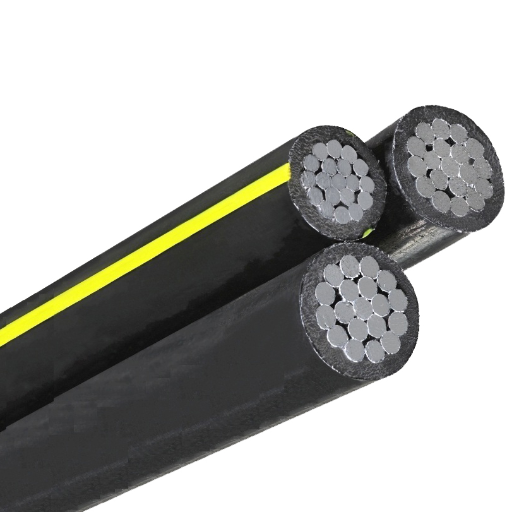
The main feeder layer typically uses XLPE-insulated power cables (e.g., YJV series), rated 0.6/1 kV, 90°C continuous, 250°C short-circuit withstand, with high-purity oxygen-free copper conductors. XLPE’s cross-linked structure is more stable than PVC under continuous full load and fault currents, a hard requirement for data centers that cannot tolerate downtime. An often-overlooked detail: XLPE cable short-circuit withstand is typically rated for 5 seconds, but the actual protection device clearing time must match—otherwise prolonged fault current can damage insulation.
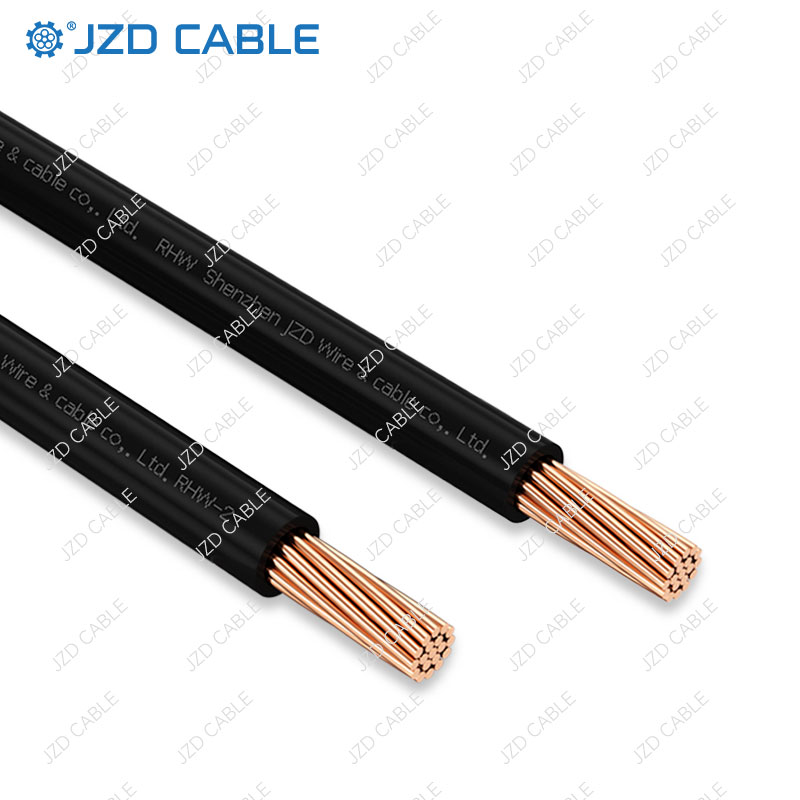
The low-voltage distribution layer commonly uses XHHW-2 building wire, UL 44 listed, 600V/1000V rated. XHHW-2’s XLPE insulation is halogen-free, releases minimal halogen acid gas in a fire, and has smoke density far lower than PVC—providing real safety benefits in densely occupied, high-value data centers. A selection note: XHHW-2 ampacity must be corrected for 60°C or 75°C termination limits; do not use the 90°C column directly, or conductors may operate overloaded long-term.
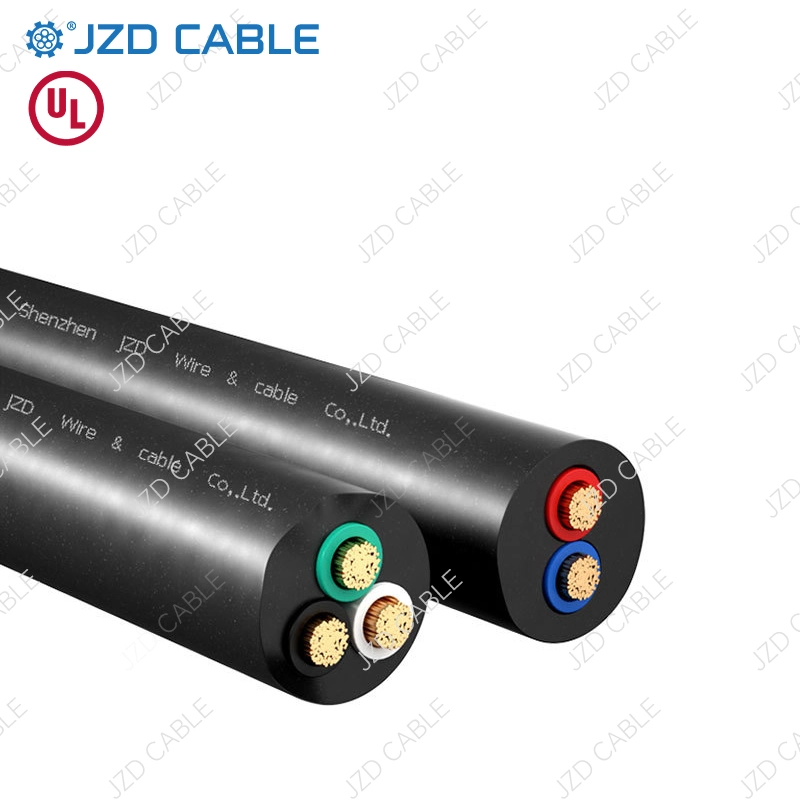
JZD Cable supplies power and network cables for data centers, including YJV series XLPE power cables, XHHW-2 building wire, and Cat6 network cables. Products hold UL, CSA, SAA, TUV, VDE, and BPS certifications to meet global compliance requirements.
Conclusion
Data center cabling is a systems engineering task, involving standards compliance, type selection, cable management, energy efficiency, and future planning. From copper to fiber, from power to data, every choice affects reliability, efficiency, and scalability.
For data center cabling product specifications or supply solutions, please contact us.